Soter support
Occupant app guide
The occupant app is where your household manages Soter: respond to door alerts, plan expected visits, review what happened at the door, and decide exactly how Soter should treat each kind of visitor. This guide explains every page and every setting, assuming no prior knowledge of the system.
The tabs and settings you see depend on the permissions on your account, so don't worry if your app shows fewer pages than the guide — that's deliberate, and covered in the App access chapter.
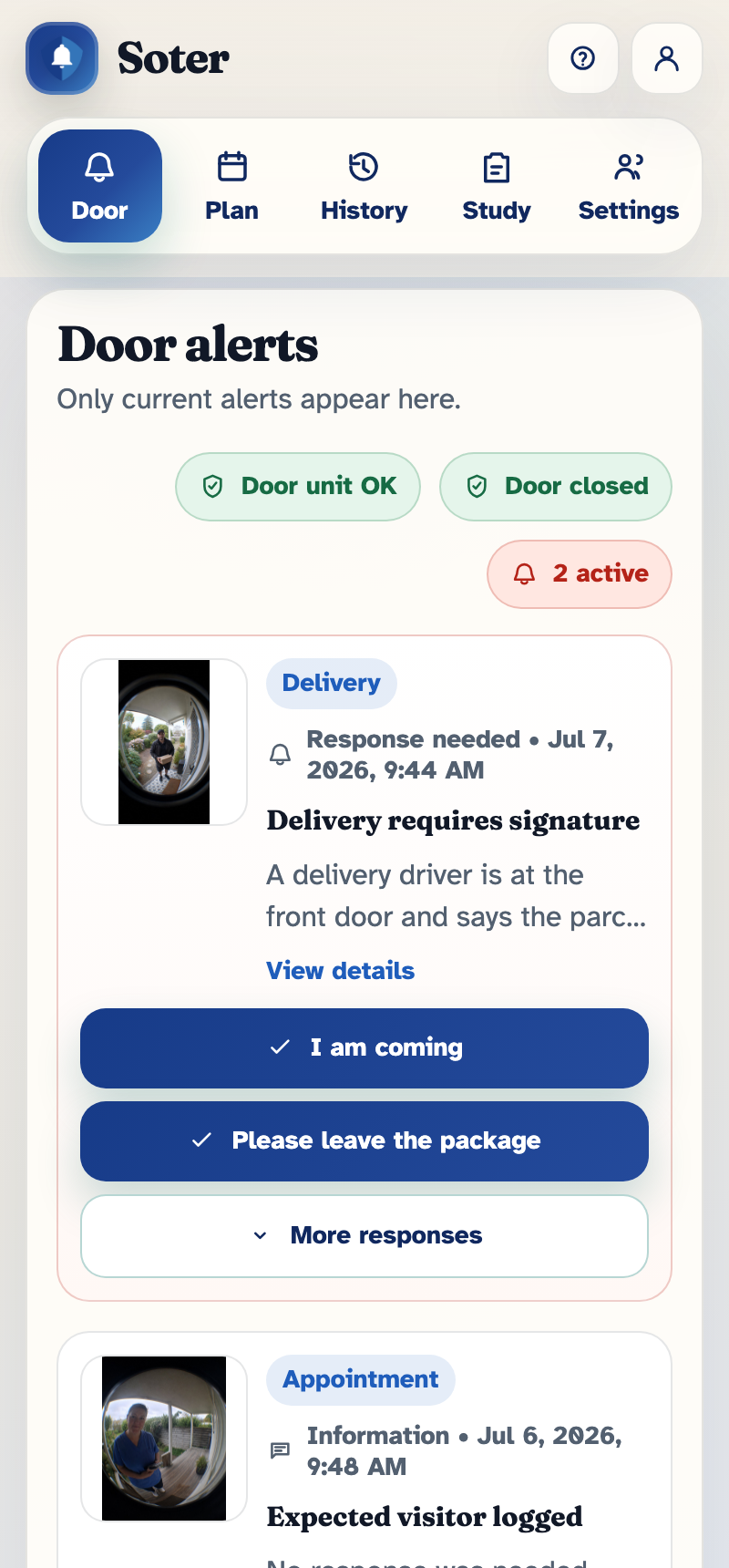
All screenshots in this guide are taken from a demo household with sample data — no real households are shown.

Getting started
Signing in, putting the app on your phone, and finding your way around the five tabs.
Read the guide → 2
Door alerts
What an alert looks like, how to respond with one tap, and what happens if nobody answers.
Read the guide → 3
Appointments and PINs
Tell Soter who's expected, and the door handles them like a regular — including one-off PINs for extra certainty.
Read the guide → 4
Interaction history
Every visit, recorded with its time, purpose, and outcome — so 'someone came by yesterday' is never a mystery.
Read the guide → 5
Operating modes
One switch that tells the whole system how present to be — from fully active to completely stood down.
Read the guide → 6
The doorstep decision policy
The rulebook Soter follows at your door: who gets welcomed, who gets screened, who decides, and what gets recorded — visit type by visit type.
Read the guide → 7
Known visitors and face recognition
Teach Soter who the regulars are — with their consent — so friends and carers are welcomed, not screened.
Read the guide → 8
Occupant app access
Each person gets their own sign-in and only the pages they need — the occupant, family, and carers all see a different app.
Read the guide → 9
Household settings
The household profile, the doorstep unit's voice and triggers, delivery details, and the door sensor — everything under Settings, explained.
Read the guide → 10
Pilot surveys and visit logs
For trial households: the Study tab, where a minute of feedback after a visit shapes what Soter becomes.
Read the guide →