Occupant app guide
Operating modes
One switch that tells the whole system how present to be — from fully active to completely stood down.
What an operating mode is
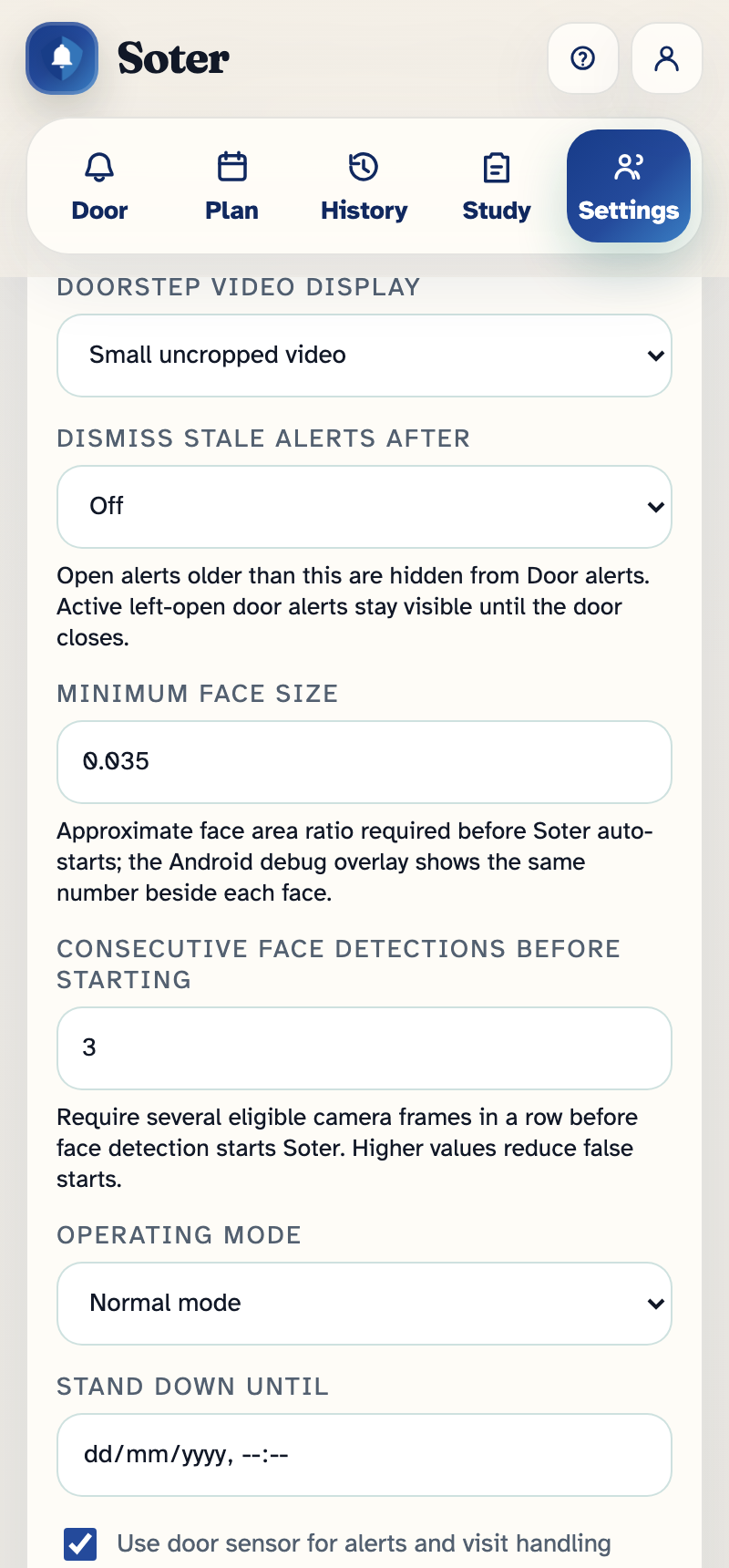
The operating mode is a single household-wide switch that controls how active Soter is at the door. It sits in Settings → Household profile and operating mode, and it always wins: whatever your doorstep policy says, a stood-down Soter will not speak to visitors.
The four modes
| Mode | What Soter does |
|---|---|
| Normal mode | Fully active: greets visitors, follows the doorstep policy, sends alerts, records history. This is everyday operation. |
| Quiet stand-down | Soter goes silent but keeps watching. Visitors are not spoken to, and no alerts interrupt the household, but doorstep activity is still recorded in History. Used for the baseline week of the pilot, and useful any time you want a record without any interaction. |
| Privacy stand-down | Soter stands down for privacy. It does not interact with visitors, and doorstep recording stops. Choose this for private occasions at home — the doorstep goes back to being just a doorstep. |
| Support mode | Used by Intermentis support during installation, maintenance, or troubleshooting, so test knocks and configuration checks don't pollute your history or trigger real alerts. |
The Soter unit at the door shows its current state — for example "Quiet stand-down active" — so visitors and household members can see at a glance that it isn't listening.
Timed stand-downs
When you pick any mode other than Normal, you can set Stand down until — a date and time when Soter automatically returns to normal. This is the recommended way to use stand-downs: set it for the end of the family gathering or the weekend away, and you can't forget to switch the doorstep back on.
Leave the field empty and the mode stays until someone changes it.
Who can change the mode
Changing the operating mode requires the Can set operating modes permission. Notably, this permission also grants access to the Settings tab on its own — so a household can give a trusted carer the ability to stand Soter down for personal-care visits without giving them access to any other settings. See App access.
Quiet stand-down and the door sensor
If your household has a door sensor fitted, quiet stand-down also suppresses door-open alerts — the assumption is that you've stood the system down because people are coming and going normally. Left-open and unexpected-open alerts resume when the household returns to normal mode. See Household settings for the sensor itself.