Occupant app guide
Known visitors and face recognition
Teach Soter who the regulars are — with their consent — so friends and carers are welcomed, not screened.
What a known visitor is
A known visitor (also called a known individual) is someone your household has told Soter about by name: the gardener, the district nurse, a neighbour, family. Once enrolled, they get their own row in the doorstep policy — so each person can have their own treatment, from full trusted entry down to "recognise them, but still ask me".
Everything here lives in Settings → People directory and the Face recognition sections.
The people directory
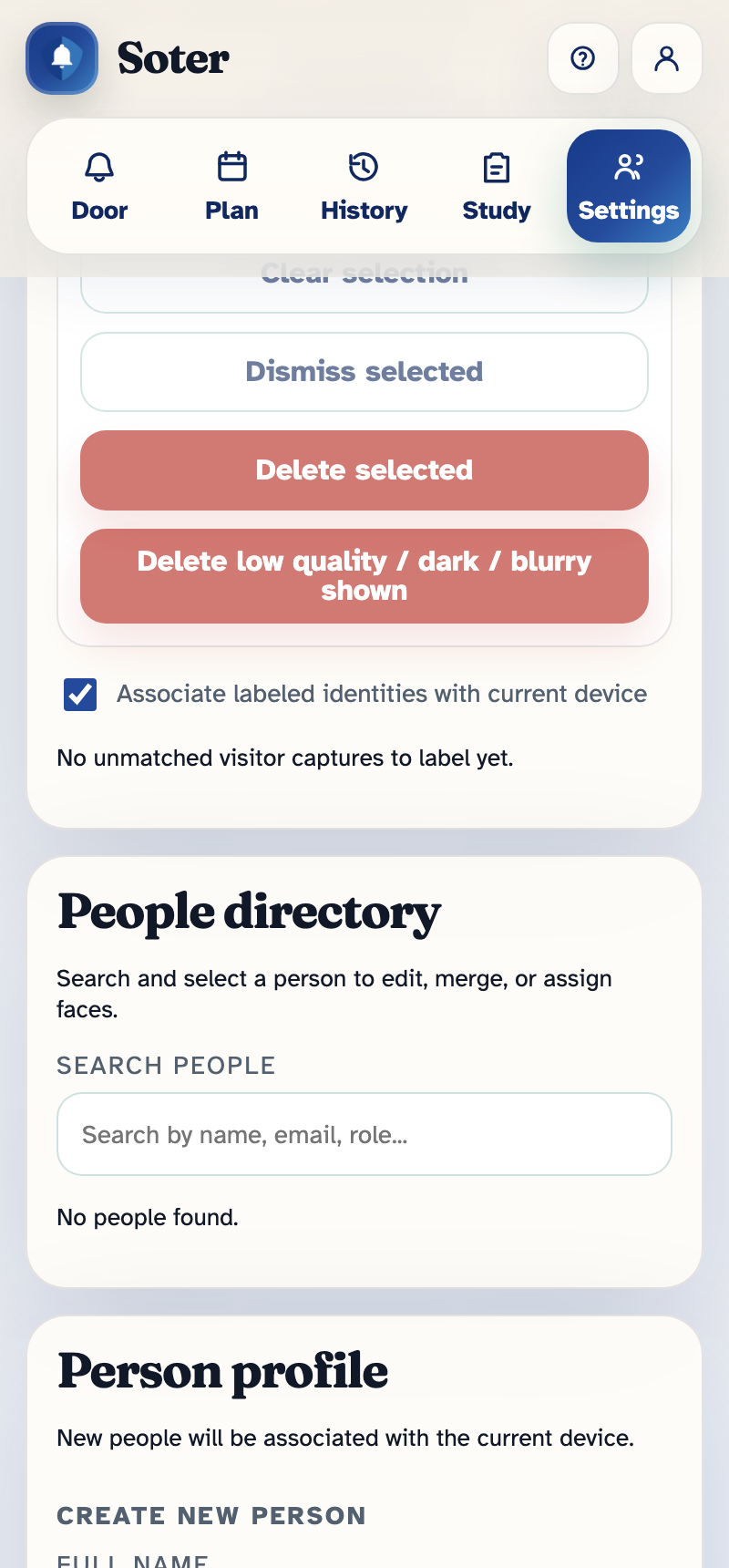
Each person's profile holds:
- Name and role — what Soter calls them and how it describes them in alerts and history.
- Face recognition — whether they're enrolled, and the photos used for matching.
- Personal PIN — an optional code they can use instead of (or as well as) their face. Handy for people whose face is often obscured — helmets, low light, or a visitor who simply prefers not to use face matching.
- Greet by name — should Soter say "Hello Jim" or stay generic?
- Purpose required — if on, even a recognised person is asked why they've come before Soter proceeds. Useful where recognition alone isn't enough — for example, a known tradesperson who should still state their business.
- Notes — anything the household wants remembered about this person.
Some notes on face recognition
Face recognition can be unreliable, particularly when only a small number of faces has been labelled for a person. We thereofre recomend that you don't use face recognition alone for identification if a level of certainty is require - for example when auto-unlocking a front door. This is a limitation of the pilot hardware, which we will address before production.
Face recognition in Soter is consent-based: people are enrolled deliberately, by the household, with the person's agreement — Soter does not build profiles of passers-by on its own. A visitor who prefers not to be enrolled can be given a PIN instead, or simply treated through the normal visit flow.
How recognition plays out at the door
When an enrolled person arrives, the verification result drives their policy row:
- Verified — a confident match. Default: trusted entry.
- Weak match — probably them, but not certain (bad angle, low light). Default: the household gets a decision request saying who Soter thinks it is.
- Unverified / failed — no match, or a wrong PIN. Treated per the row — by default, a decision request.
You can tune what "confident" means in Face recognition settings → Known-person matching — stricter matching means fewer false greetings but more "weak match" questions; looser means the reverse. During the pilot the Intermentis team helps set this per household.
Unmatched visitor captures
The Unmatched visitor captures section shows faces Soter saw but couldn't match. From here you can:
- Assign a capture to an existing known visitor (improving their recognition with a real photo from your actual doorstep), or
- Dismiss captures that are just one-off callers.
Reviewing this occasionally keeps recognition sharp — especially after a season change (hats, coats) or if a regular mentions they weren't greeted by name.
Who can manage this
Viewing these sections requires Can view settings pages; enrolling people, setting PINs, and changing matching settings requires Full admin access. See App access.