Occupant app guide
Appointments and PINs
Tell Soter who's expected, and the door handles them like a regular — including one-off PINs for extra certainty.
Why appointments matter
Soter treats an expected visitor very differently from a stranger. When the physiotherapist due at 2 pm says says who they are and that they have an appointment, Soter matches that against the appointment you created and follows your policy for expected visitors — usually a friendly welcome and a quiet note to the household — instead of screening them like an unknown caller.
The Plan tab is where those expectations live.
The Plan tab
The page shows Today at the top, a month calendar you can browse, and an Upcoming list. Tap any day to see or add appointments for it.
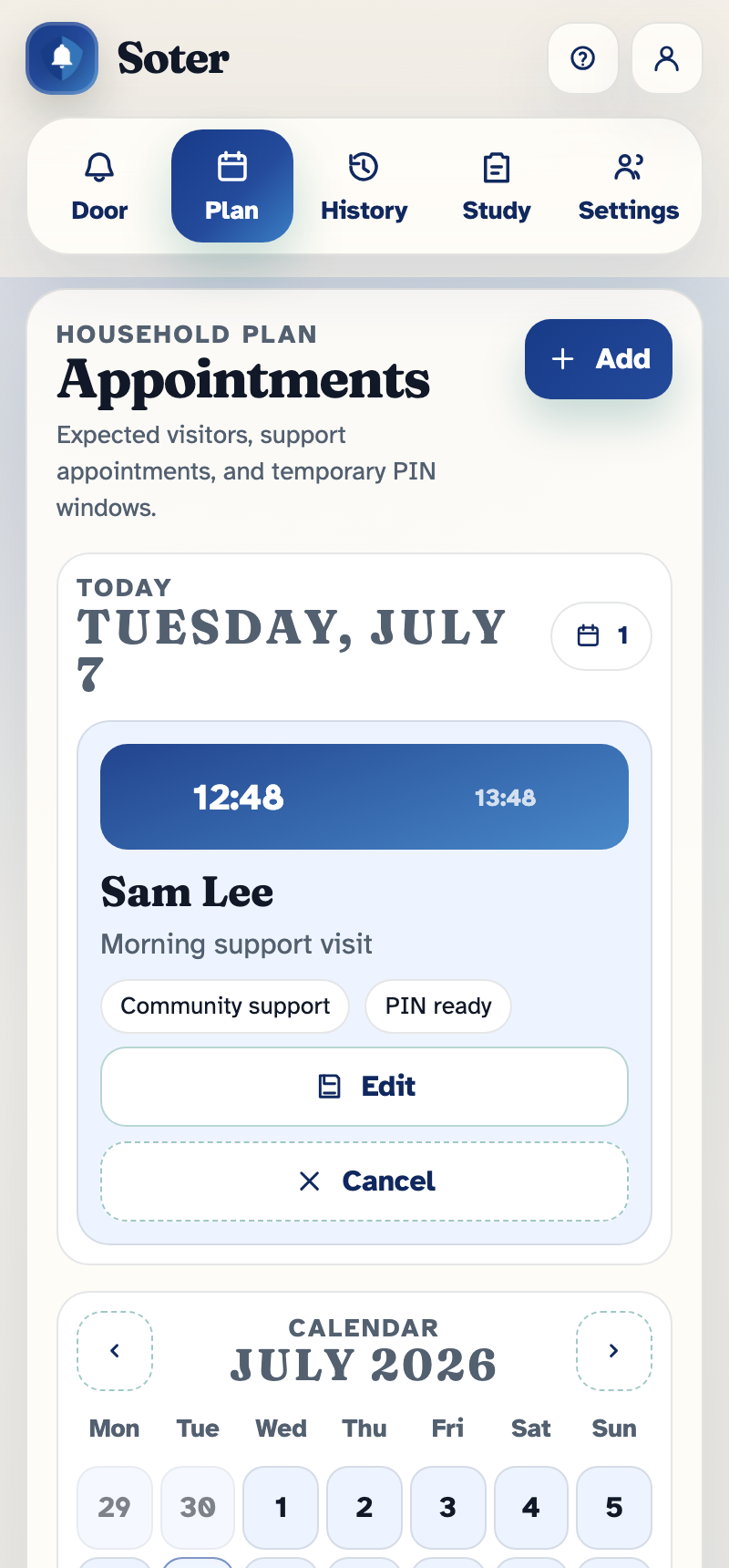
Creating an appointment
Each appointment records:
- Who is coming and why — a name or description Soter can match against what the visitor says at the door. Include the words a real visitor would use ("physio", "district nurse", "meals delivery").
- When — date and time. Soter allows sensible leeway; a nurse arriving twenty minutes early still matches.
- Repeats — does not repeat, daily, weekly, fortnightly, or monthly. Set the gardener up once and Soter expects him every second Tuesday from then on.
- Verification — how sure Soter must be before treating the visitor as the appointment (see below).
- Status — Active, Cancelled, Completed, or Missed. Cancel a visit and Soter goes back to treating that caller like anyone else.
Verification options
| Option | What it means |
|---|---|
| Appointment only | Matching the appointment (right time, right story) is enough. |
| PIN required | The visitor must also say or enter the PIN you gave them. |
| Face recognition | The visitor must match a consented known visitor profile. |
| PIN or face | Either of the above will do. |
| Ask occupant / carer | Even when matched, Soter still sends a decision request before letting the visit proceed. |
Temporary PINs
A PIN is a short code you give the visitor in advance — over the phone, in a text, or via their organisation. At the door, the visitor types it on the screen, which proves they're the person you arranged, even if Soter has never seen them before. PINs can permanently assigned to a person or be per-appointment.
PINs are especially useful for one-off visits from organisations that send different staff each time — home care rosters, meter readers, or trades.
Who can do this
Anyone whose account has Can set appointments sees the Plan tab and can create, edit, and cancel appointments — occupants and remote family members alike. A daughter in Wellington can set up next week's nurse visit for her father in Dunedin from her phone.